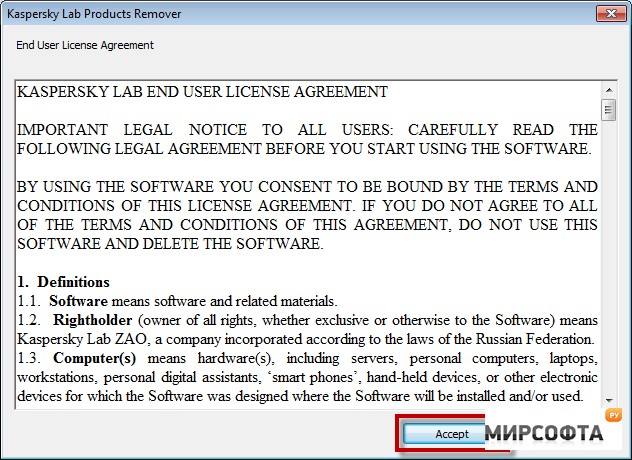

Kaspersky Products Remover easily uninstalls most Kaspersky products completely from your machine. If an error occurs when uninstalling a Kaspersky Lab product with Windows (Control Panel Programs and Features), then download and launch the free tool KAVremover. In order to fully remove the product, perform the following actions: 1: Download Kavremover. 2: Boot your computer in Safe Mode. 3: Run Kavremover. 4: Restart your computer after the utility completes. Removal utility enables complete uninstall of the following products: Kaspersky Small Office Security for Personal Computer / File Server, all versions Kaspersky Total Security (all versions) Kaspersky PURE, all versions Kaspersky Anti-Virus (all versions) Kaspersky Internet Security (all versions) Kaspersky Password Manager, all versions Kaspersky Fraud Prevention for Endpoint, all versions AVP Tool driver Kaspersky Security Scan 3.0 Kaspersky Security Scan 2.0 Kaspersky Endpoint Security 8/10 for Windows (for File Servers) Kaspersky Endpoint Security 8/10 for Windows (for Workstations) Kaspersky Anti-Virus 6.0 R2 for Windows Workstations Kaspersky Anti-Virus 6.0 R2 for Windows Servers Kaspersky Anti-Virus 6.0 FS MP4 Kaspersky Anti-Virus 6.0 SOS MP4 Kaspersky Anti-Virus 6.0 WKS MP4 Kaspersky Anti-Virus 8.0 for Windows Servers Enterprise Edition Kaspersky Network Agent 10 Kaspersky Lab Network Agent 8/9 Limitations: Note that the utility deletes all activation data and you will need to activate your product after reinstalling.
Скачать