Описание
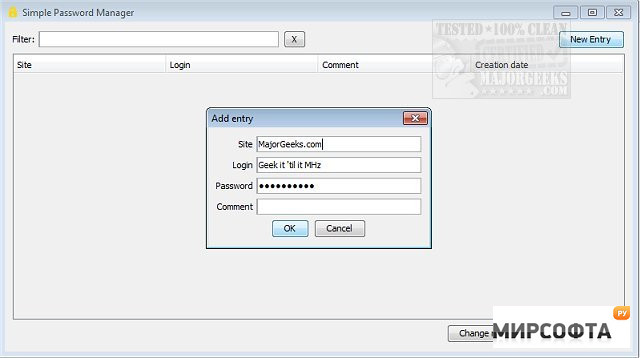
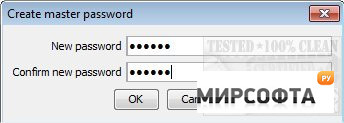
Simple Password Manager provides a simple option for managing your passwords locally. Packaged in a straightforward interface, Simple Password Manager lends itself to easy password management. On the first run, you enter the default 1234 password to gain access. From there, you should change that primary password. You can then begin propagating the passwords you wish to store. Simple Password Manager is just that; simple. There are many password managers available, some paid, some free, but as a free Open Source offering, Simple Password Manager gets the job done. Similar: Password Management and the Lazy Geek How to Fix the User Name or Password Is Incorrect How to Show Hidden or Masked Passwords Behind Asterisks How to Find Your Wi-Fi Password How to View, Edit, and Manage Your Google Chrome Passwords