
Описание
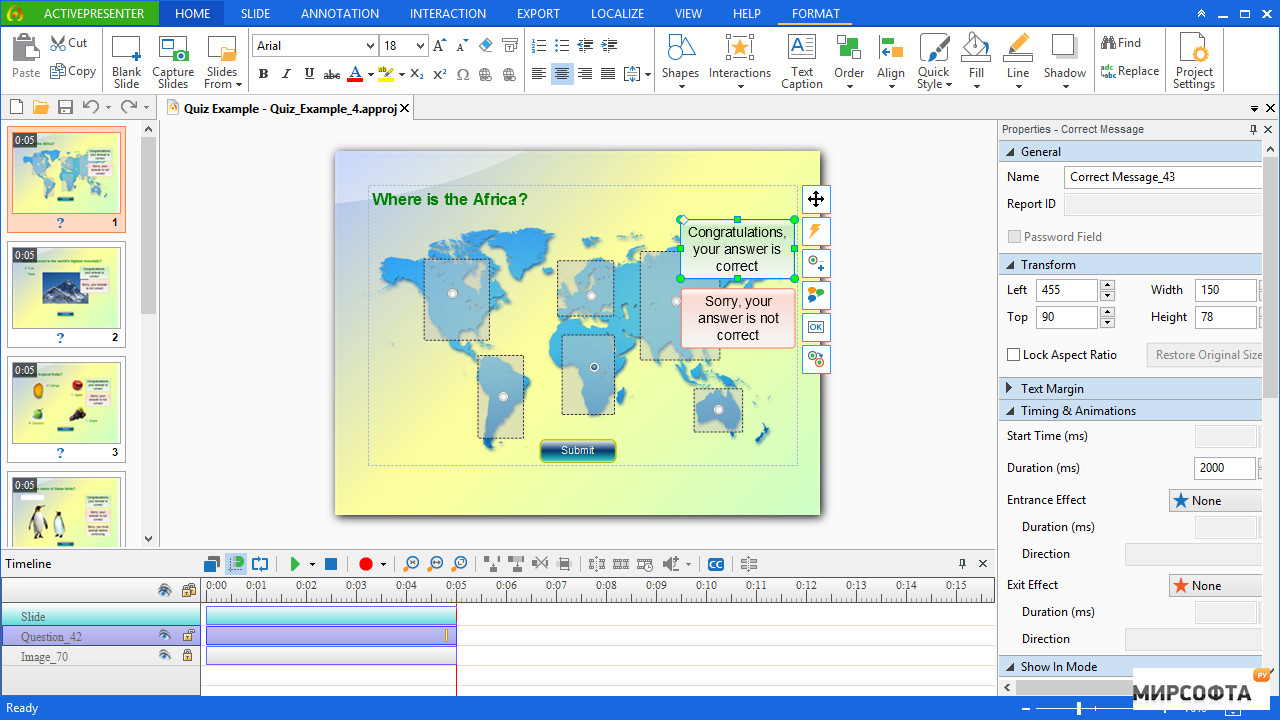
ActivePresenter is an all-in-one tool for screen recording, video editing, and eLearning that is full of useful features. You will be able to capture your screen and edit captured videos rendering professional looking content. You can also create quality screencasts with sharp annotations and effects that include high-resolution graphics, inserted videos, and voice-overs. ActivePresenter can capture any app on your machine then allow you to customize it with the addition of background music, closed captioning, zoom-n-pan, and export it to popular outputs (video, document) that can run on any device or platform. It includes multiple output forms such as image, videos (MP4, FLV, MKV, WMV, WebM, and AVI), HTML SlideShows, HTML5 simulations, and documents. ActivePresenter features include the following, Smart Capture - capture screen when mouse clicked or key pressed. Each action is captured as a slide which explains in detail what the viewer should follow to master the lesson Webcam Recording - Record screen and webcam at the same time or record webcam videos separately, all depending on your need. Audio & Video Editing - Edit audio and video without quality loss. Supported operations include cut, delete, crop, split, join, blur, change playback speed, change volume, and insert freeze-frame. ActivePresenter will fit right in with other screen capture tools and offers some additional niche features that will be of interest even to discerning users. Version History for ActivePresenter: https://atomisystems.com/updates/ActivePresenter/v7/releasenotes_v7.html Limitations: The free version includes the above features. Prices start at $199.00 and further include the following: Advanced recording features: Full Motion Recording, Smart Capture Video editing: Cut, Crop, Join, Change Volume, Speed Up, Slow Down Multiple Audio/Video Layers Rich annotations: Shapes, Image, Zoom-n-Pan, Closed Caption, Cursor Path, Audio/Video Overlays Smart Annotation Themes & Templates Export to MP4, WebM, MKV, AVI, WMV Export to PowerPoint, Word, Excel, Adobe PDF, HTML Commercial Use Advanced Audio/Video Effects: Fade In, Fade Out, Noise Reduction, Blur, Green Screen HTML5 Export Fully Responsive Design Interactivity & Branching: Variables, Conditional & Advanced Actions, Javascript API Interactions: Button, Mouse Click, Text Input, Drag & Drop, Keystroke Report & Tracking in LMS (SCORM, xAPI)