
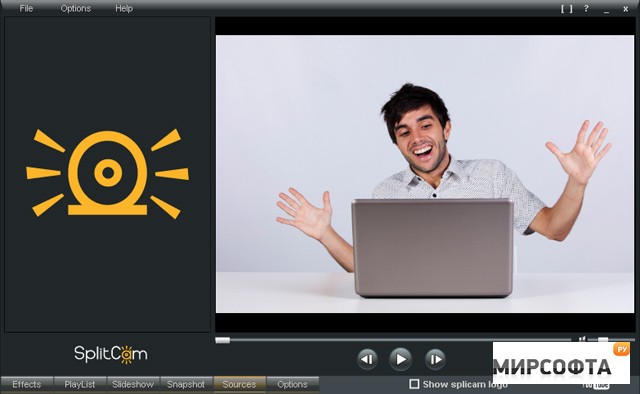
SplitCam virtual video capture driver allows for connecting several applications to a single video capture source. For example, if you have a web-camera connected to your computer you cannot use it in more than one application at the same time - there’s no standard Windows options that would make it possible. SplitCam does just what it name says: it splits the video stream coming from the video source and provides it to other client application.Features: • Choose almost any video source as a primary video capture device. • Digital zoom. • Digital pan 180В°. • Select a desirable frame rate from 5 to 30 fps. Usually you use 15 fps for videoconferencing. • Set up base video options directly from the main SplitCam window. • Bring up a manufacture provided options for fine tuning the physical video source. • Use any of the wide range of resolutions in client applications: 160x120, 320x240, 640x480, etc. • Every application can have its own video resolution. • You can disable unused video resolutions to lower the processor load. • Auto-update will ensure that you always have the latest version of the software. • Capturing photo images and providing them as a video source to client applications. • Basic photo editing of photo images before sending them to client applications. • Change the appearance of the SplitCam interface by using “skins” developed by other users, or make your own interface “skin” with the help of the skin builder.
Скачать